
7taps Microlearning for Instructional Design
Microlearning means quick, bite-sized learning experiences that can be easily accessed exactly when people need it. Instructional designers can quickly create microlearning with 7taps, an industry-leading, cloud-based platform.

Build Branching Scenarios with 7taps Microlearning
Here’s how to use 7Taps Microlearning to build branching scenarios. Includes an introduction to microlearning, an overview of 7Taps, plus 3 Best Practices Tips for Microlearning.

7 Branching Scenario Tips for Instructional Designers
Here are 7 tips to help you create branching scenarios that really work! Change workplace behavior, engage learners, plus get extra resources to develop your skills.

How to Create Branching Scenarios
Branching scenarios are a great way to engage your audience, but they can easily get out of control. These 5 tips will help you create powerful branching scenarios that won’t blow your project scope out of the water.

Action Mapping Interactive Video
Get your FREE ticket to play the new Action Mapping Interactive Video! In this video, YOU make the decisions that drive the story forward.

What is Action Mapping?
Action mapping is a methodology developed by Cathy Moore. It’s used at nearly every Fortune 500 company to achieve business results.

Scenario Based eLearning: Best Decisions
These three instructional design tips that will help you craft good scenario decision points. Watch a Star Wars example to see how scenario-based eLearning works.

How to Increase Engagement with eLearning Scenarios
Want to create eLearning scenarios that truly engage your audience? There’s a secret hidden in Star Wars that every instructional designer should know….

How to Build Powerful eLearning Scenarios
Follow these instructional design tips so you can create powerful eLearning scenarios that are memorable AND have a business impact.

The Power of Story (with Anna Sabramowicz)
In this interview, Anna Sabramowicz explains how interactive storytelling benefits businesses, L&D specialists, and eLearning developers alike.

Vyond Tutorials: How to QUICKLY Create an Explainer Video
What’s the FASTEST way to create an explainer video? With the right digital storytelling tool, you can create a video in minutes!

Vyond Tutorials: INSTANTLY Change Props Throughout Your Video!
In this tutorial, I’ll show you how to speed up your workflow with Vyond’s global replace feature.

Vyond Tutorials: How to Add Brand Colors to Your Video (Part 2)
If you’re an eLearning developer or video marketing specialist, you need a fast, easy way to add brand colors to your videos.
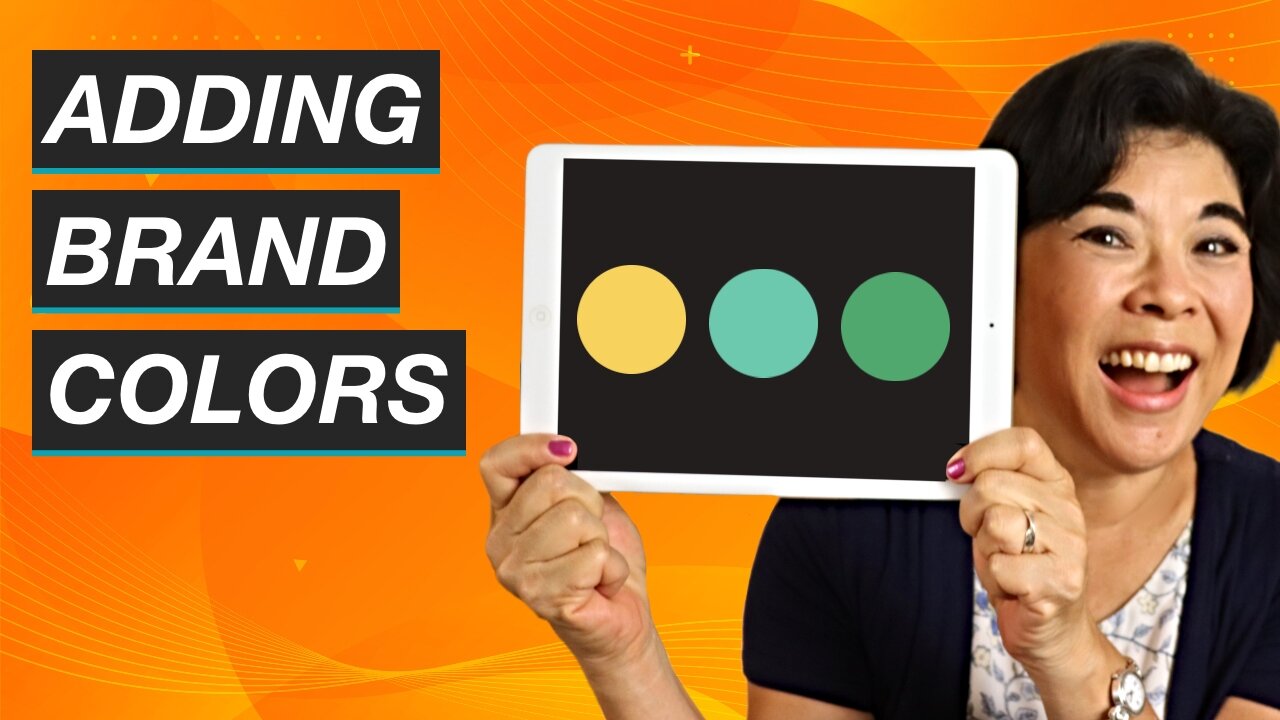
Vyond Tutorials: How to Add Brand Colors to Your Video (Part 1)
One of the most powerful things about Vyond is that it allows you to change the colors of backgrounds and props.

Vyond Tutorials: eLearning Videos in Under 5 Minutes
In this tutorial, I’ll show you how to use a Vyond video templates to accelerate your eLearning development process.

How to Use Vyond Animation for Instructional Design and eLearning
Learn how to customize Vyond character expressions, actions, and movement.

How to Make Interactive Videos using Vyond and Camtasia
Learn how to create animated interactive videos by combining two eLearning tools: Vyond and Camtasia

Vyond Tutorial: How to Create Animated Interactive Videos
Learn the basics of Vyond, one of the best animation tools on the market today (includes 10% discount on Vyond software).

How to Get Camtasia at a Discounted Price
Camtasia is one of the best inexpensive video editors on the market today. Here are 7 tips on how to save money when you buy Camtasia.

5 Best Books for Instructional Designers
What are the best books for eLearning developers and interactive video designers? Chances are you won't find everything you need in a single book, so I've put together this list of 5 must-read books to help boost your career.