HeyGen AI Tutorial: Create the most Lifelike Avatars with Video Agent
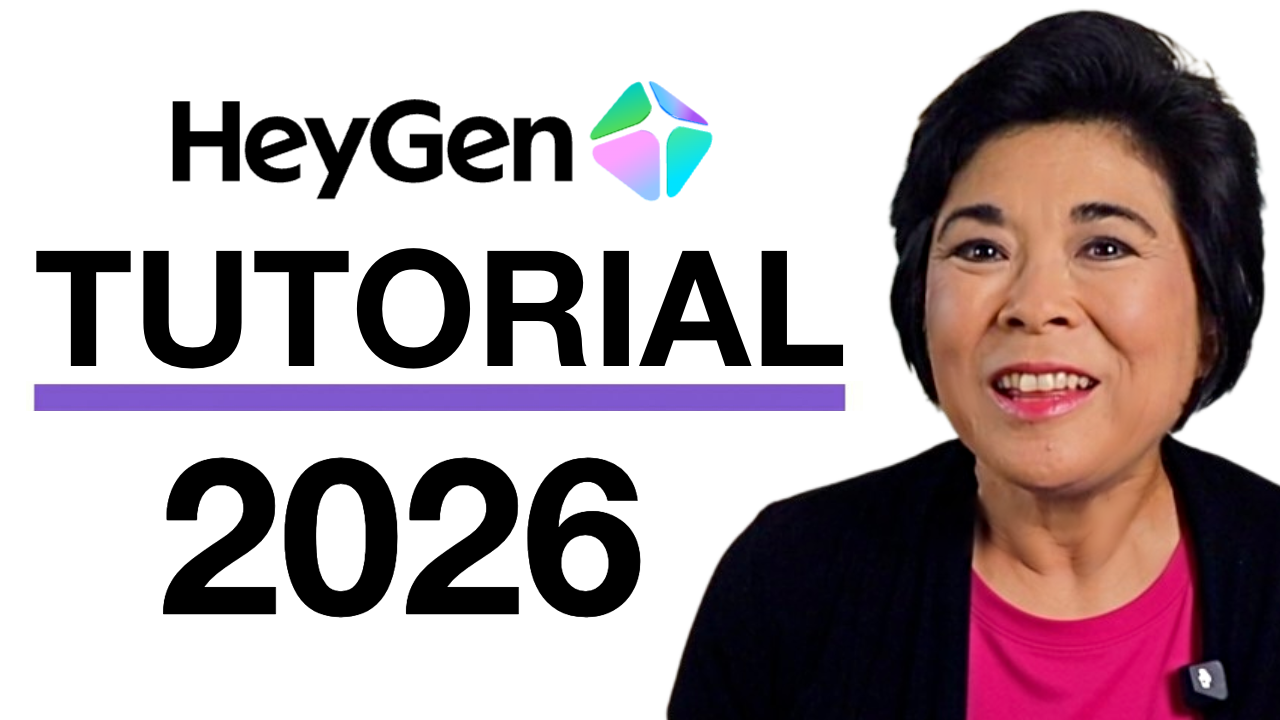
HeyGen’s New AI Avatars are almost too realistic
Back in 2024, I made a tutorial on HeyGen. If you watched it, you probably remember the avatars looking... fine. Good enough for some projects, but you could tell they were AI.
HeyGen has made a LOT of changes since then. New avatars, lifelike gestures, and a brand new way to prompt videos. Enough that I decided to record an updated tutorial for 2026.
The avatars move differently now. Real facial expressions, natural pauses, and gestures that adapt to the script. And there's a new feature called Video Agent that builds an entire video for you from a simple prompt. Type what you want, and it drafts the script, picks the visuals, and puts it together.
This HeyGen AI Video Tutorial will show you:
How to create a video in under 5 minutes using Video Agent
How to clone yourself into a digital avatar (and give it different looks)
What you can do on the free plan before spending a dollar
A few tips I learned the hard way, so you don't make the same mistakes I did
This post is NOT sponsored. Some product links are affiliate links which means if you buy something I'll receive a small commission (at no additional cost to you).